Let the repeats wander.
Drag the exposed tape ribbon to alter the echo. Release it to let the motor recover.
 Find Your Frequency.
PLAYABLE STEREO TAPE ECHO
A stereo tape echo with a ribbon you can drag and five movable rollers. Change tape speed and pitch through direct gestures, adjust Wow and Flutter, and record Tape Pull and roller movements as automation.
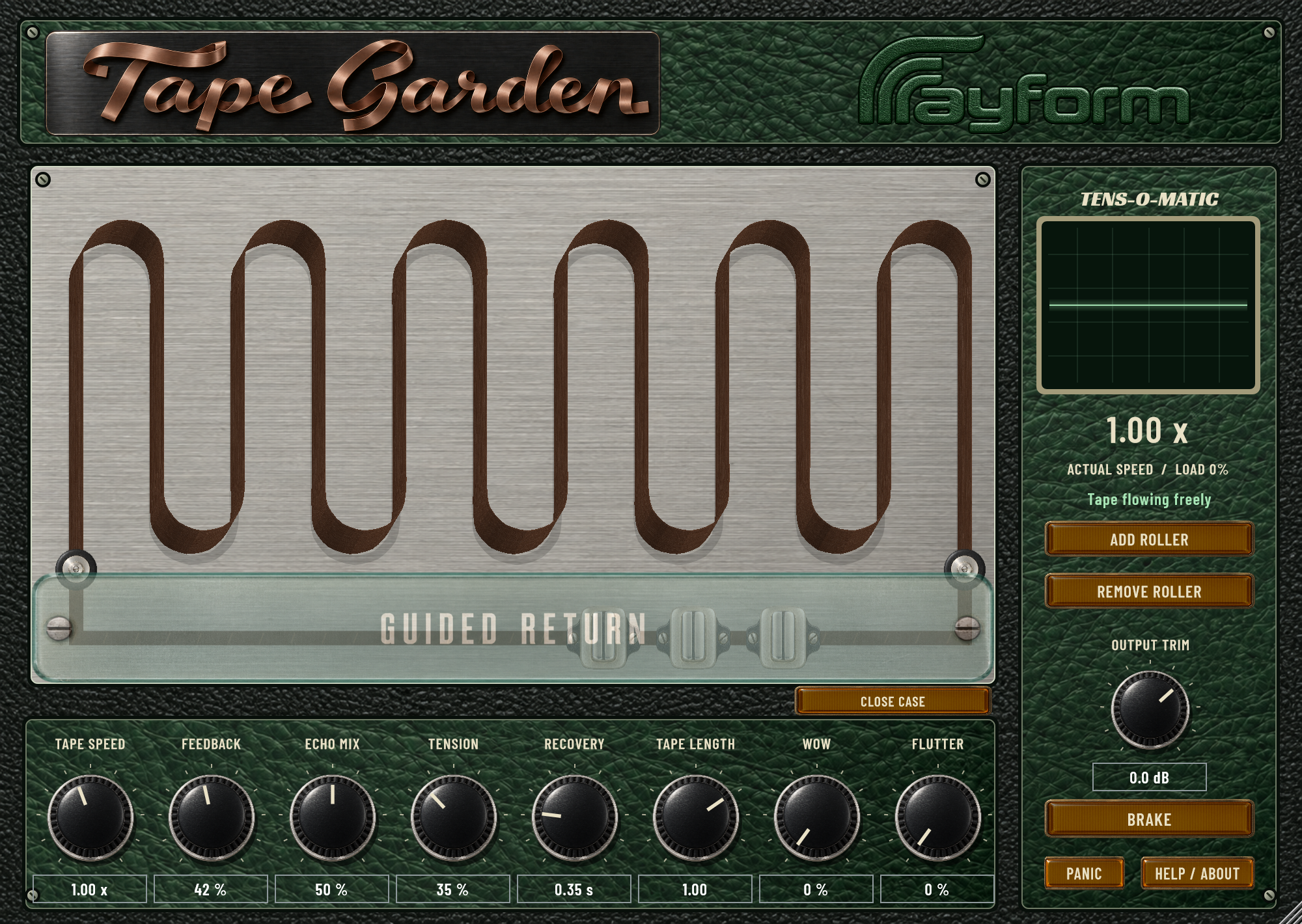
Drag the exposed tape ribbon to alter the echo. Release it to let the motor recover.
Move the five rollers to change the tape path and slack. Roller positions are saved with your project.
Set Tension to Pitch, Recovery, and Tape Length. TENS-O-MATIC displays changes in tape speed.
Adjust Speed, Feedback, Echo Mix, and Output Trim. Brake slows the tape. Panic resets a stuck tape path while preserving the echo tail.
Use Wow for slower pitch variation and Flutter for faster variation in the repeats.
Record Tape Pull and roller movements as automation. Replay from the same start point to reproduce the recorded gestures with the editor open or closed. Close the case for a simplified view.
Place Tape Garden on a send, raise Feedback, and pull the tape for a pitch bend at the end of a phrase.
Use a low Echo Mix and gentle tension response. Add small tape gestures or Wow and Flutter to vary the repeats.
Adjust Speed and Brake to slow the tape, then release it to hear the motor recover.
Install and authorize with Rayform Hub.
Setup guide ↗License details ↗Frequently asked questions
Dragging the ribbon changes tape speed and pitch through the tension response. Tension to Pitch and Recovery control the amount and recovery behavior.
Yes. Controls and roller positions save with your DAW project. Tape Pull and roller movements can also be recorded as automation.
Tape Garden has one stereo playback head and five movable rollers. Speed, Feedback, and Echo Mix control the delay, while ribbon gestures alter the tape response.
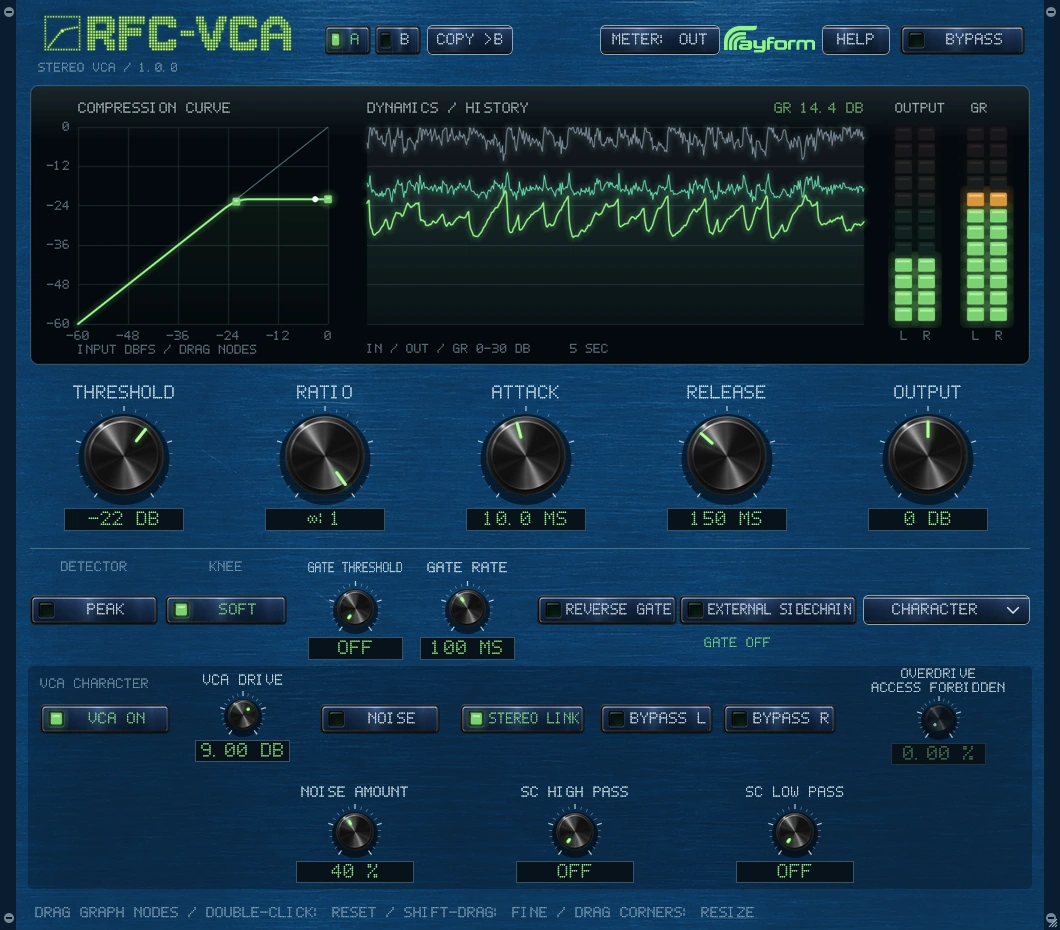
Control transients and bus dynamics with VCA-style compression and gating. Use Peak or RMS detection, sidechain filters, and VCA Drive to shape the response.
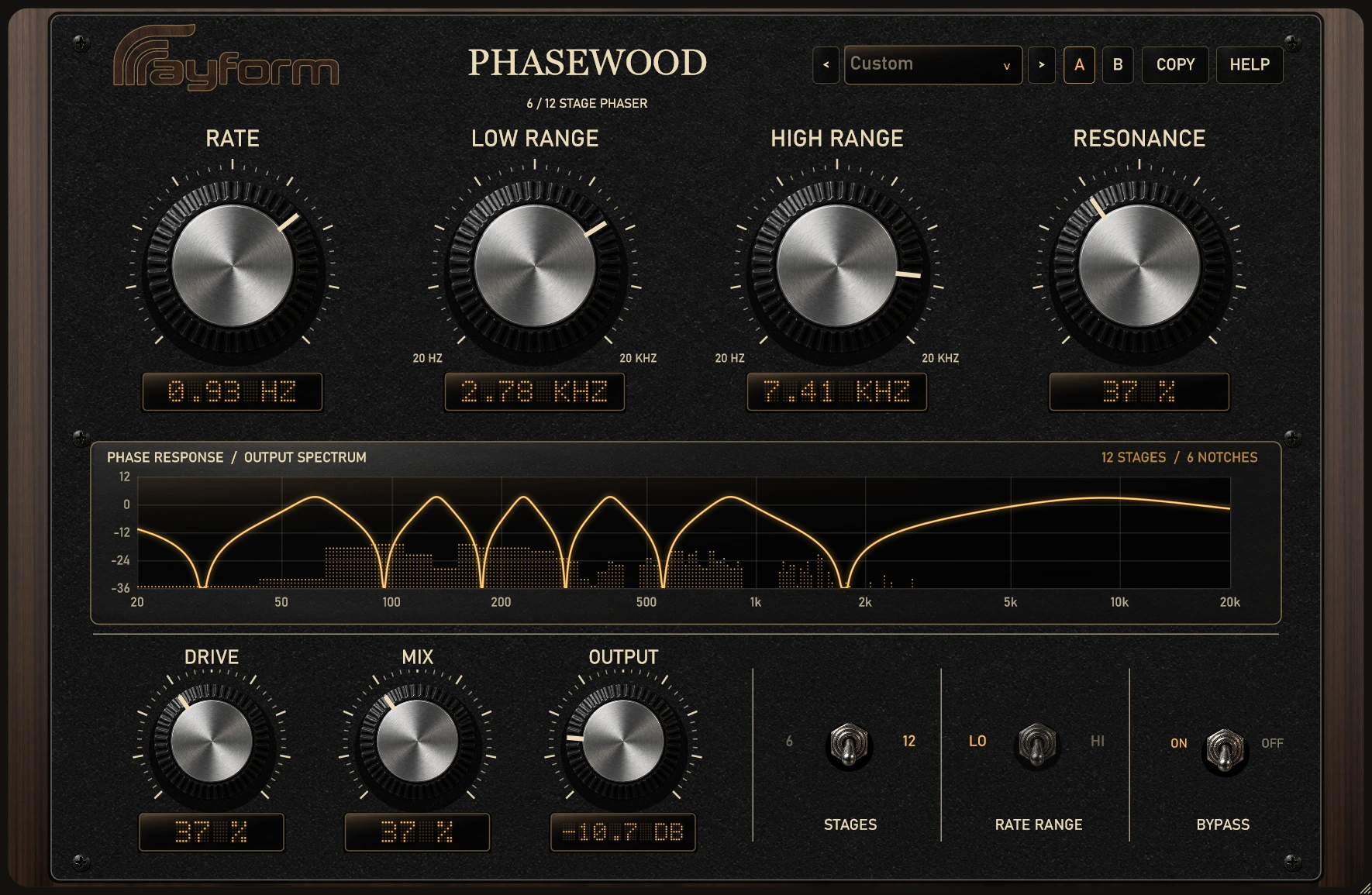
Add stereo movement with six or twelve phaser stages. Set the sweep range, then shape its depth and character with Resonance, Drive, and Mix.