Choose the stage count
Use six stages for a more open phase response or twelve for a denser response.
 Find Your Frequency.
ANALOG-INSPIRED STEREO PHASER
An analog-inspired stereo phaser with six or twelve stages, adjustable sweep limits, and harmonic Drive. Move from subtle modulation to resonant sweeps on keys, guitars, and synths.
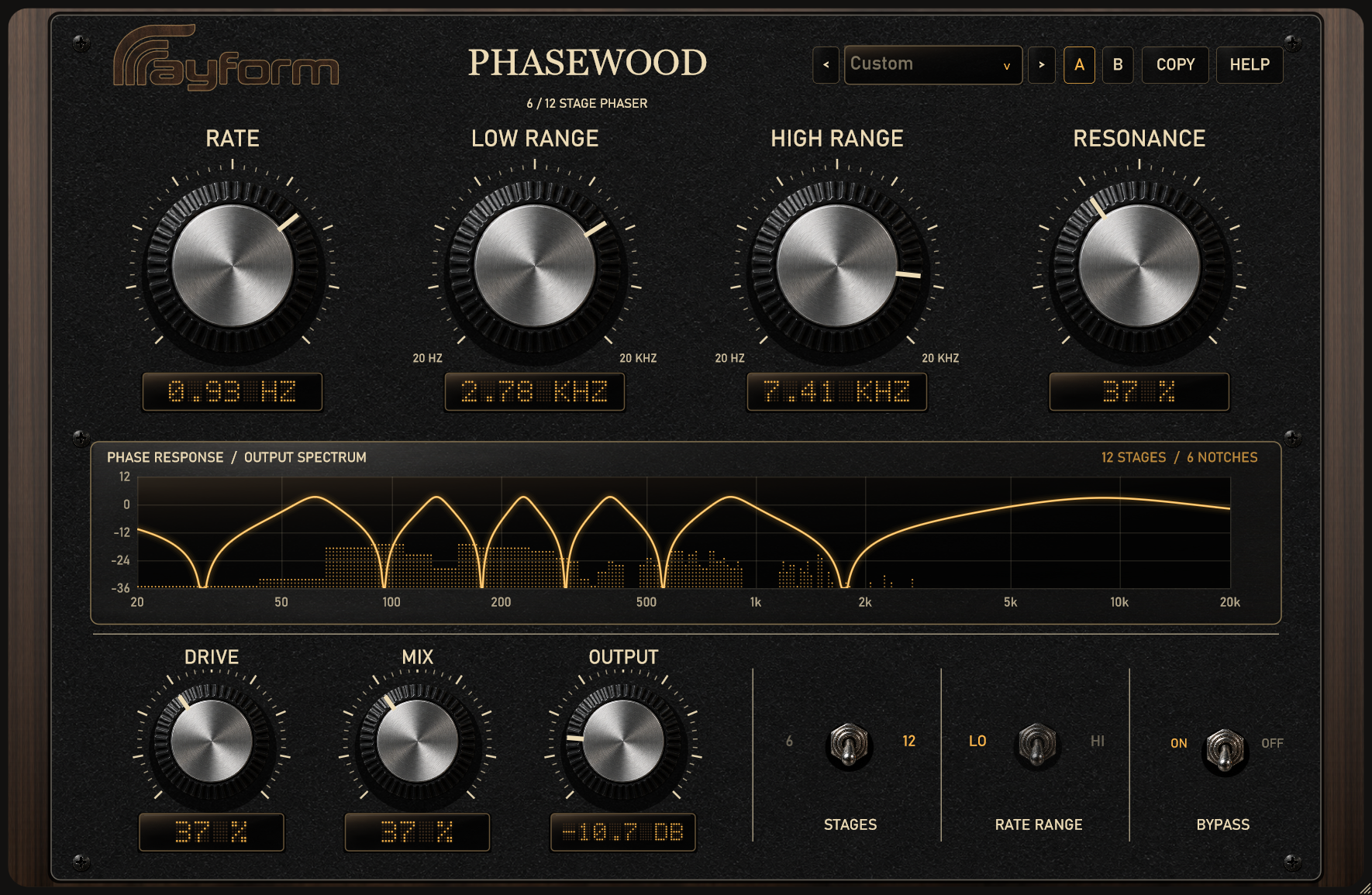
Use six stages for a more open phase response or twelve for a denser response.
Set Low Range and High Range to define the sweep limits. Rate sets the modulation speed. Set both range controls to the same frequency to stop the sweep.
Resonance emphasizes response peaks. Drive adds harmonic saturation, including soft saturation in the feedback path.
A slight stereo modulation offset creates different movement in each channel. Use Mix and Output to adjust the wet/dry balance and level.
Choose from eleven factory presets. Use A/B beside the preset selector to compare settings. The display shows frequency response and the live spectrum. Use bypass to compare with the dry signal.
Start with a slow Rate and Mix near the middle. Adjust Low Range and High Range around the frequencies you want to emphasize.
Choose six stages for an open sweep and set Rate to fit the picking pattern.
Use twelve stages, raise Resonance, and add Drive for stronger harmonic character.
Install and authorize with Rayform Hub.
Setup guide ↗License details ↗Frequently asked questions
Around 50% is a useful starting point for deep phasing. Adjust it to balance the original signal and phaser response.
Phasewood combines analog-inspired all-pass stages with harmonic Drive and soft saturation in the feedback path.
The amber line shows the phaser’s frequency response. The dotted trace shows the processed audio spectrum.
Set Low Range and High Range to the same frequency. Use Resonance, Drive, and Mix to adjust the resulting static effect.
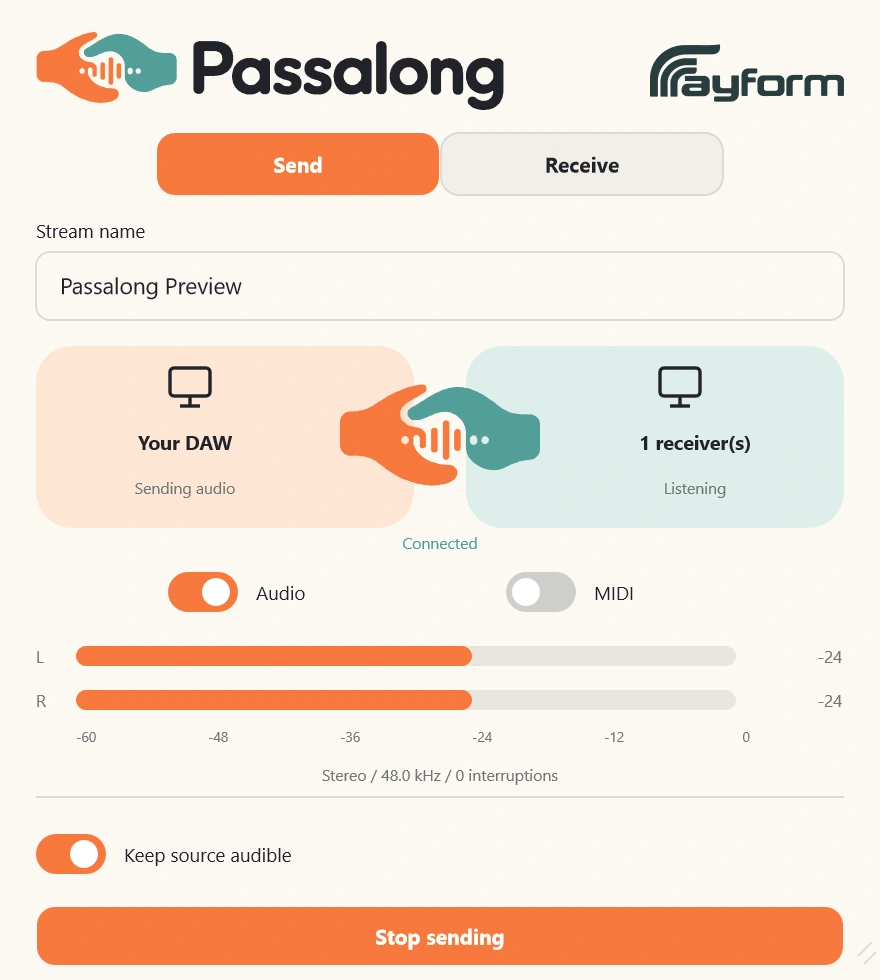
Route audio and MIDI between Windows applications using named streams. Includes standalone Capture and Receive, plus a native OBS receiver.
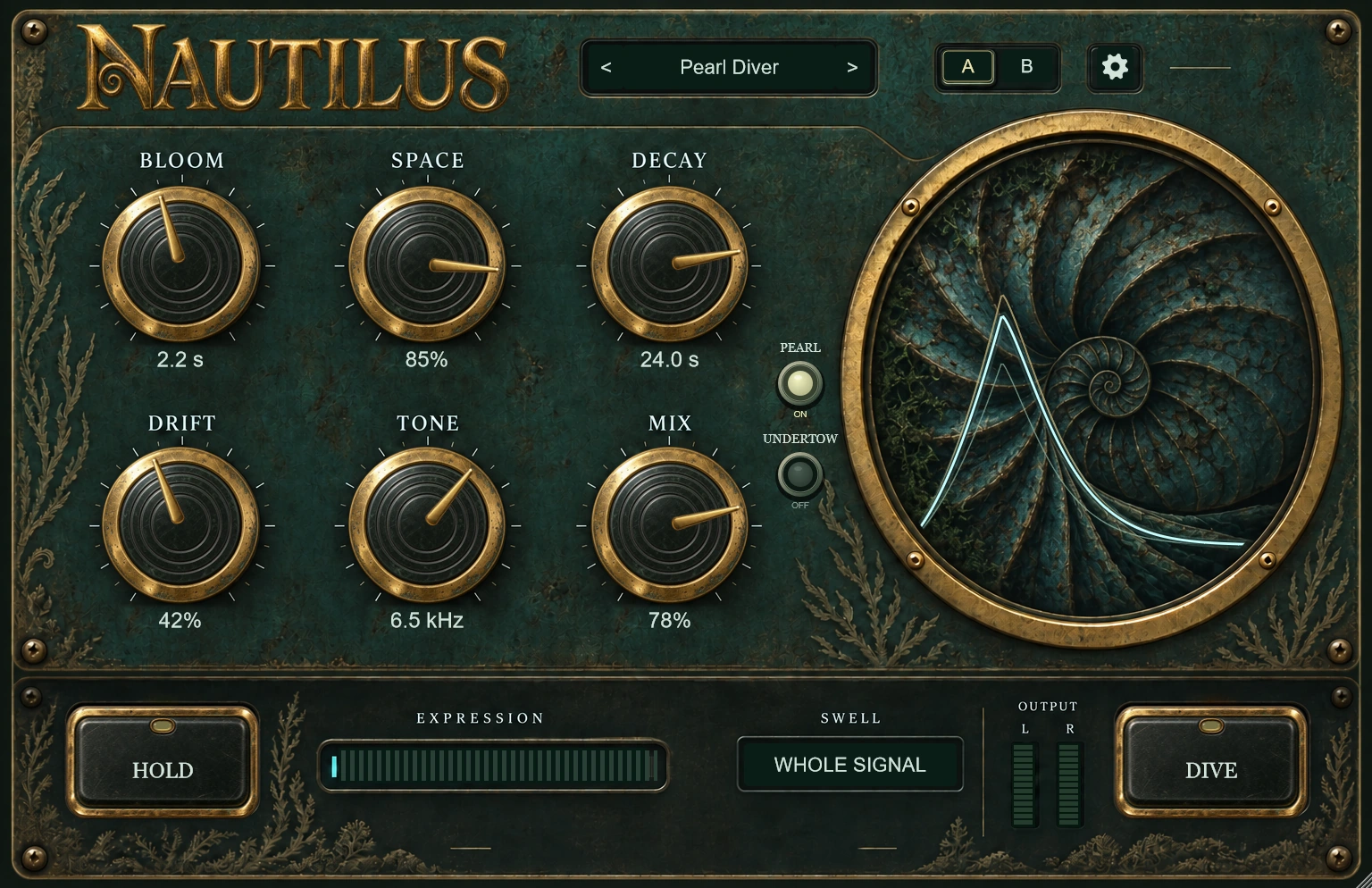
Fade into reverb with Bloom and add upper or lower octaves. Hold sustains the tail; Dive and Expression reshape its size, tone, and decay.