Set the swell
Bloom fades the signal in over up to five seconds. Apply the swell to the whole signal or only to the reverb.
 Find Your Frequency.
SWELL REVERB + OCTAVE SHIMMER
A swell reverb with independent upper- and lower-octave processing. Shape the reverb with Space, Decay, Tone, and Drift, then use Hold, Dive, and Expression to change it as you play.
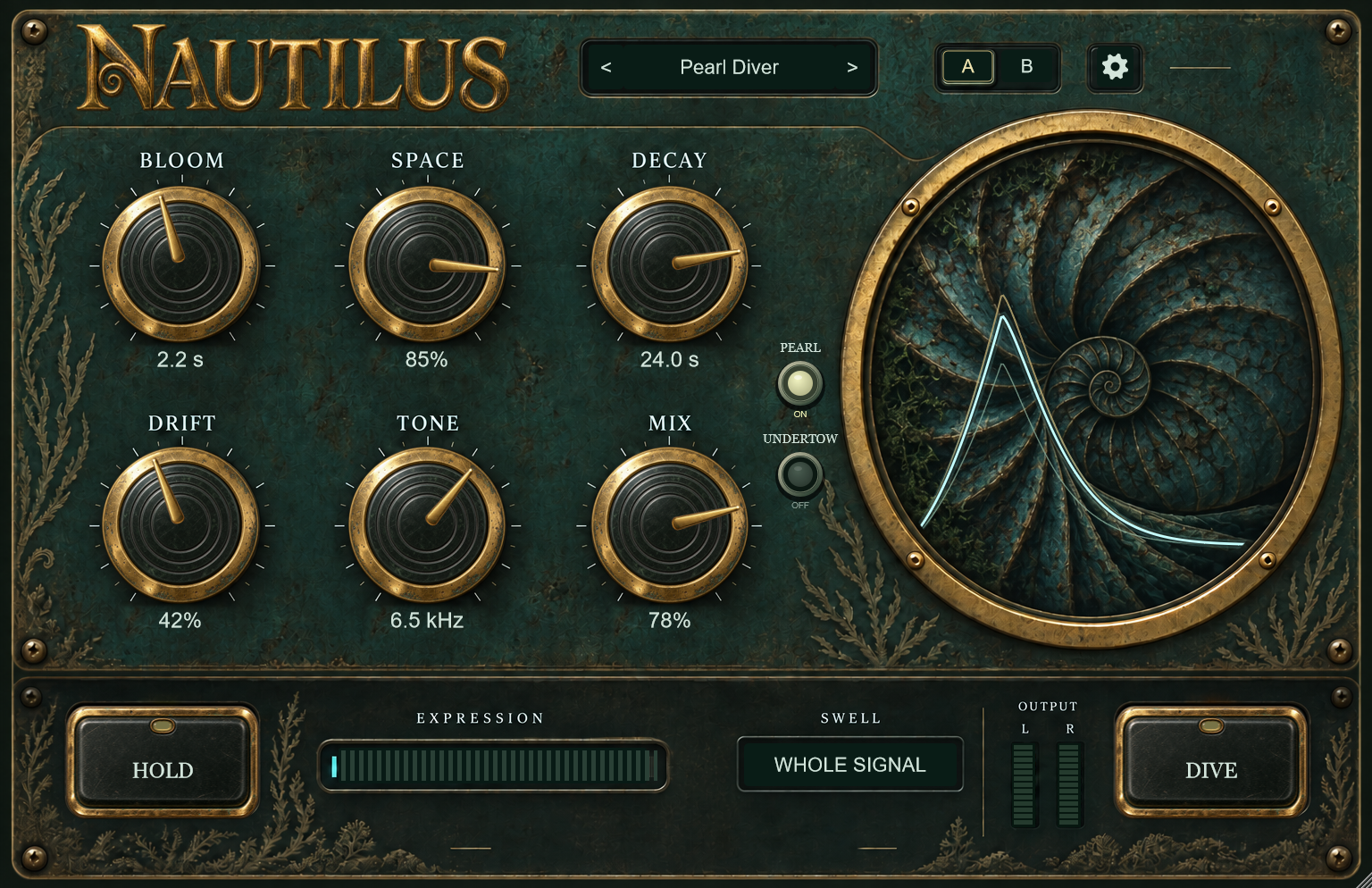
Bloom fades the signal in over up to five seconds. Apply the swell to the whole signal or only to the reverb.
Use Space, Decay, and Tone to shape the reverb. Drift adds slow modulation to the tail.
Pearl adds an upper octave. Undertow adds a filtered lower octave to the wet reverb. Enable either or both.
Hold sustains the reverb tail while new dry notes pass through. Dive temporarily increases size, decay, and wet level while darkening the reverb. Expression controls the same changes continuously.
Choose from ten factory presets. The shell display indicates swell, reverb tail, brightness, and octave activity. Use hover help or the settings panel for control details.
Place Nautilus after your amp and cabinet processing. Start with Bloom around two seconds and sustain a chord into the reverb.
Select Wet Only so the reverb swells behind the immediate dry signal. Try this on guitar or electric piano.
Capture the current tail with Hold and keep Mix below 100%. Play a new phrase over the sustained tail, then release Hold to resume reverb input.
Install and authorize with Rayform Hub.
Setup guide ↗License details ↗Frequently asked questions
For guitar, start after the amp and cabinet processing. Use Bloom to fade in the signal, or set it to OFF for an immediate attack.
Yes. Hold sustains the current wet tail. With Mix below 100%, new dry notes remain audible while that tail continues.
Dive increases reverb size, decay, and wet level while darkening the tone. Expression controls the same changes continuously and can be assigned through your DAW’s controller mapping.
Set Mix to 100% on a return and control the amount of reverb with the send level.
Yes. Pearl and Undertow can run independently or together. Both process the wet reverb, while the dry signal remains separate.
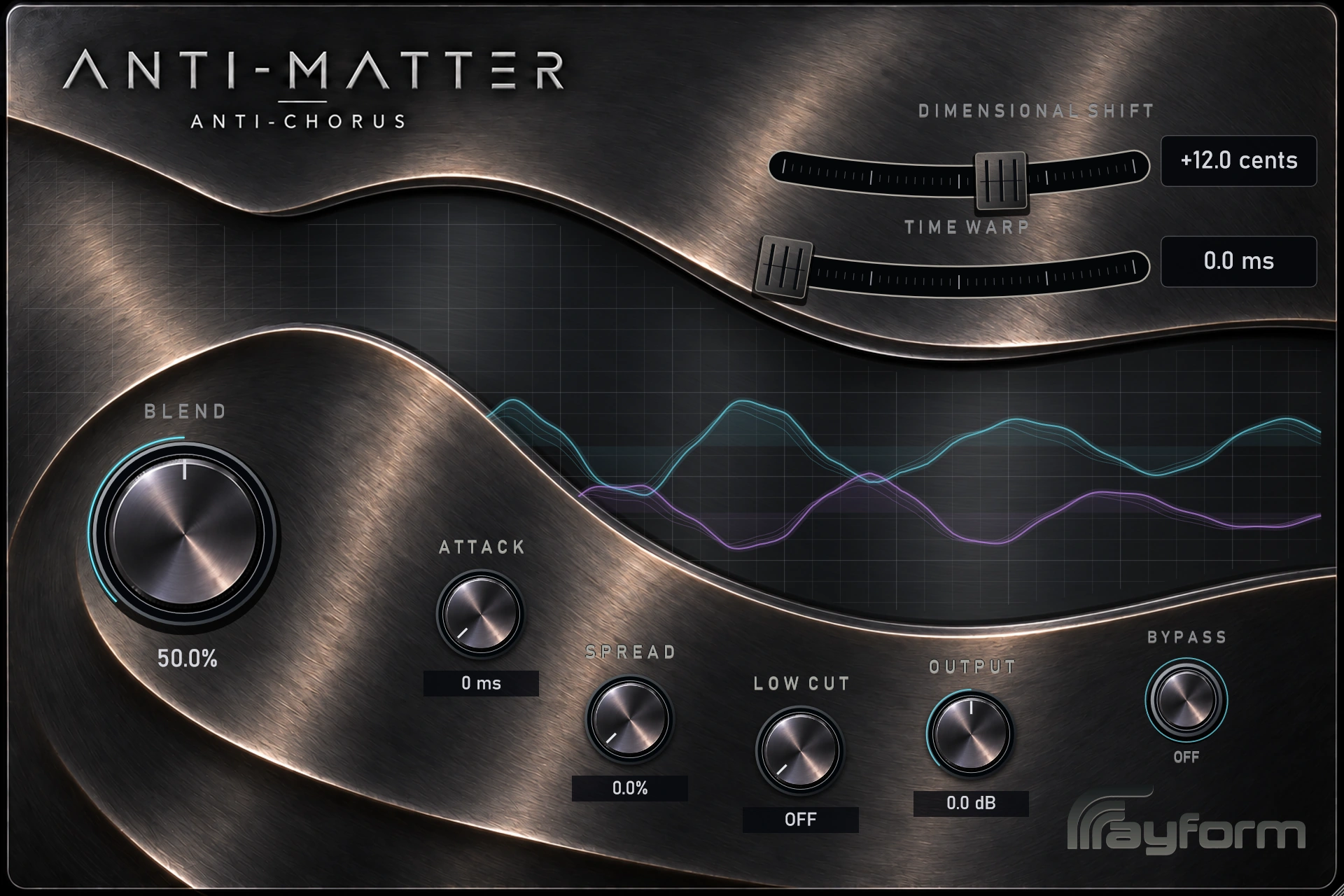
Add width and doubling with fixed polyphonic detuning. Shape the wet signal with stereo Spread, delay, and Attack swells.
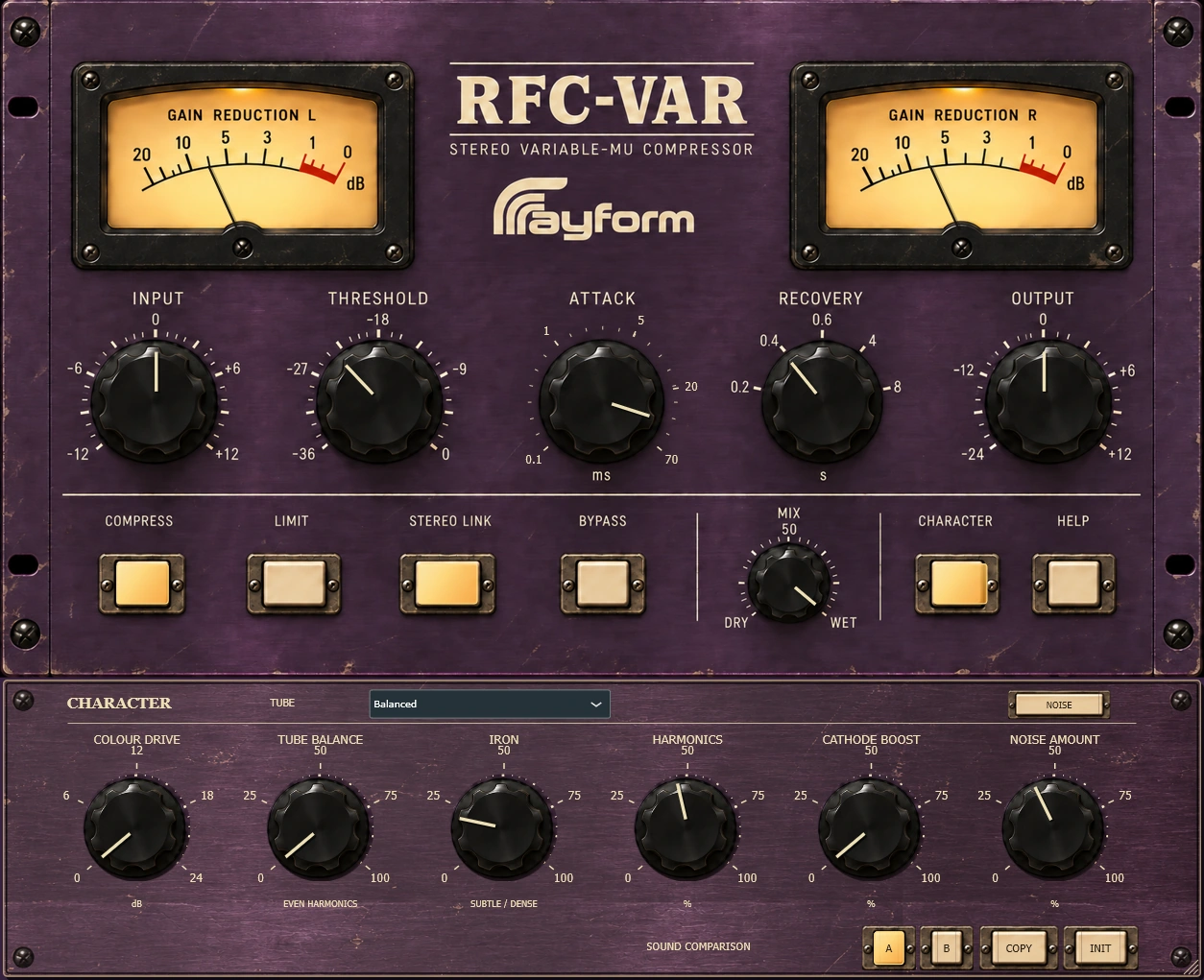
Control dynamics with stereo vari-mu compression. Rounded, Balanced, and Driven tube characters offer different starting points for harmonic color.