Set detuning
Dimensional Shift sets detuning from −50 to +50 cents. The offset remains fixed until changed.
 Find Your Frequency.
STATIC DETUNE / ANTI-CHORUS
A polyphonic detuner that blends a fixed pitch offset with your original sound. Use stereo Spread, wet delay, and Attack swells to create doubling, width, and layered textures.
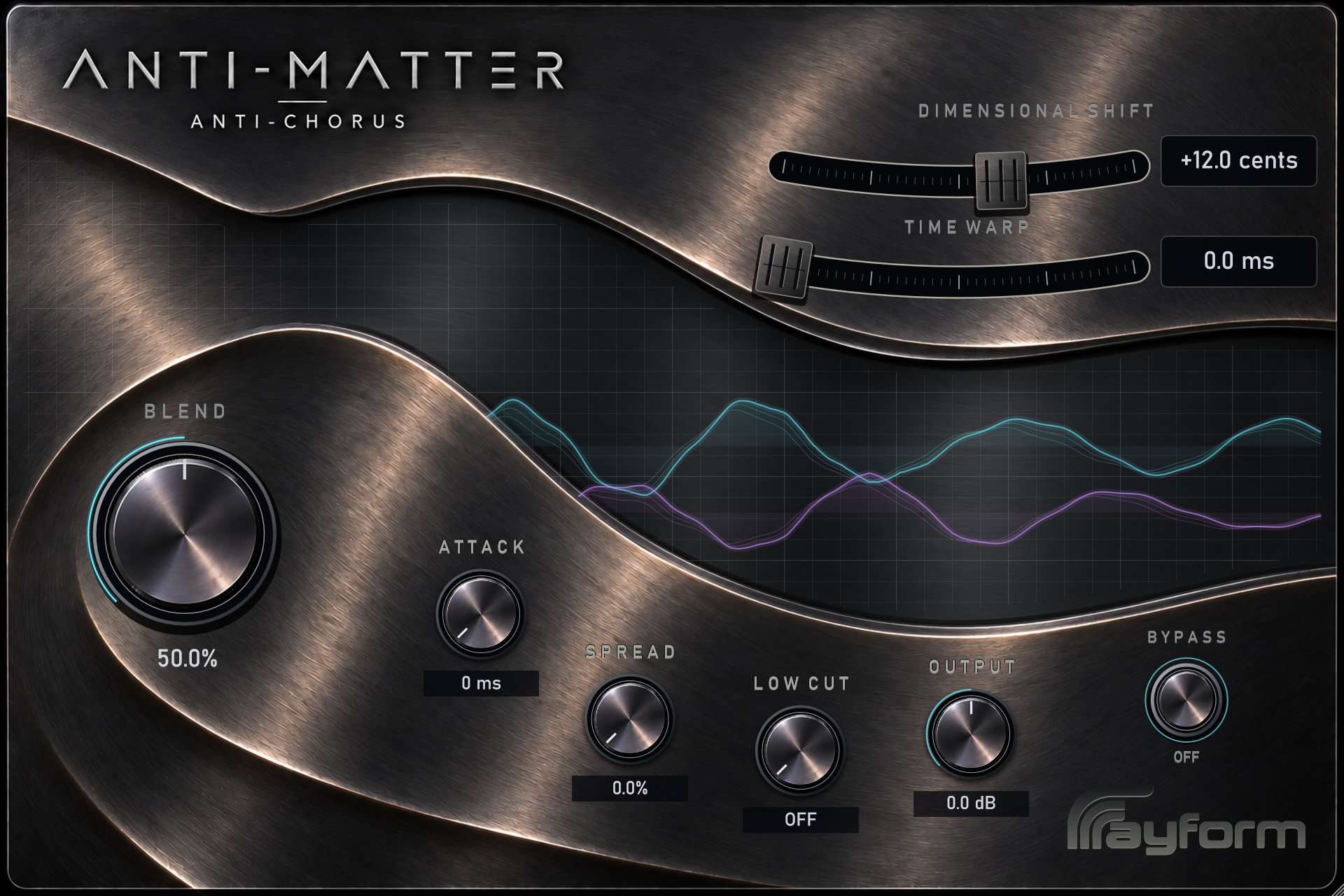
Dimensional Shift sets detuning from −50 to +50 cents. The offset remains fixed until changed.
The pitch engine handles chords and other polyphonic material while preserving input and output duration.
The dry attack passes through immediately. Use Blend to add the detuned signal. Spread shifts the left and right pitches in opposite directions. Short wet delays add a doubling effect.
Time Warp adds up to two seconds of delay to the detuned signal. The dry signal remains immediate.
Attack fades the wet signal in over up to one second, then sustains while audio continues. Low Cut filters its bass. Output sets the combined level.
The main panel contains eight controls, including horizontal Dimensional Shift and Time Warp faders.
Start with a small Dimensional Shift and blend the detuned signal with the original. Increase Spread for a wider stereo result.
Feed in a sustained chord and adjust the pitch offset. Blend the two signals to control the amount of beating and thickness.
Add Time Warp, then raise Attack to fade in the wet signal after the original chord.
Install and authorize with Rayform Hub.
Setup guide ↗License details ↗Frequently asked questions
A fixed pitch offset against the original signal creates beating and thickness. Dimensional Shift sets the offset; Time Warp and Attack control the wet signal’s delay and swell.
Yes. The polyphonic engine shifts multiple notes together while preserving the duration of the input.
The dry signal passes through immediately. The detuned signal arrives about 24.25 ms later at 48 kHz, adding a short doubling delay. At 100% Blend, you hear only the wet signal.
With Time Warp and Attack at zero, zero cents gives the immediate dry signal with Output trim. Raise Time Warp or Attack for a delayed or swelling wet signal at the same pitch.
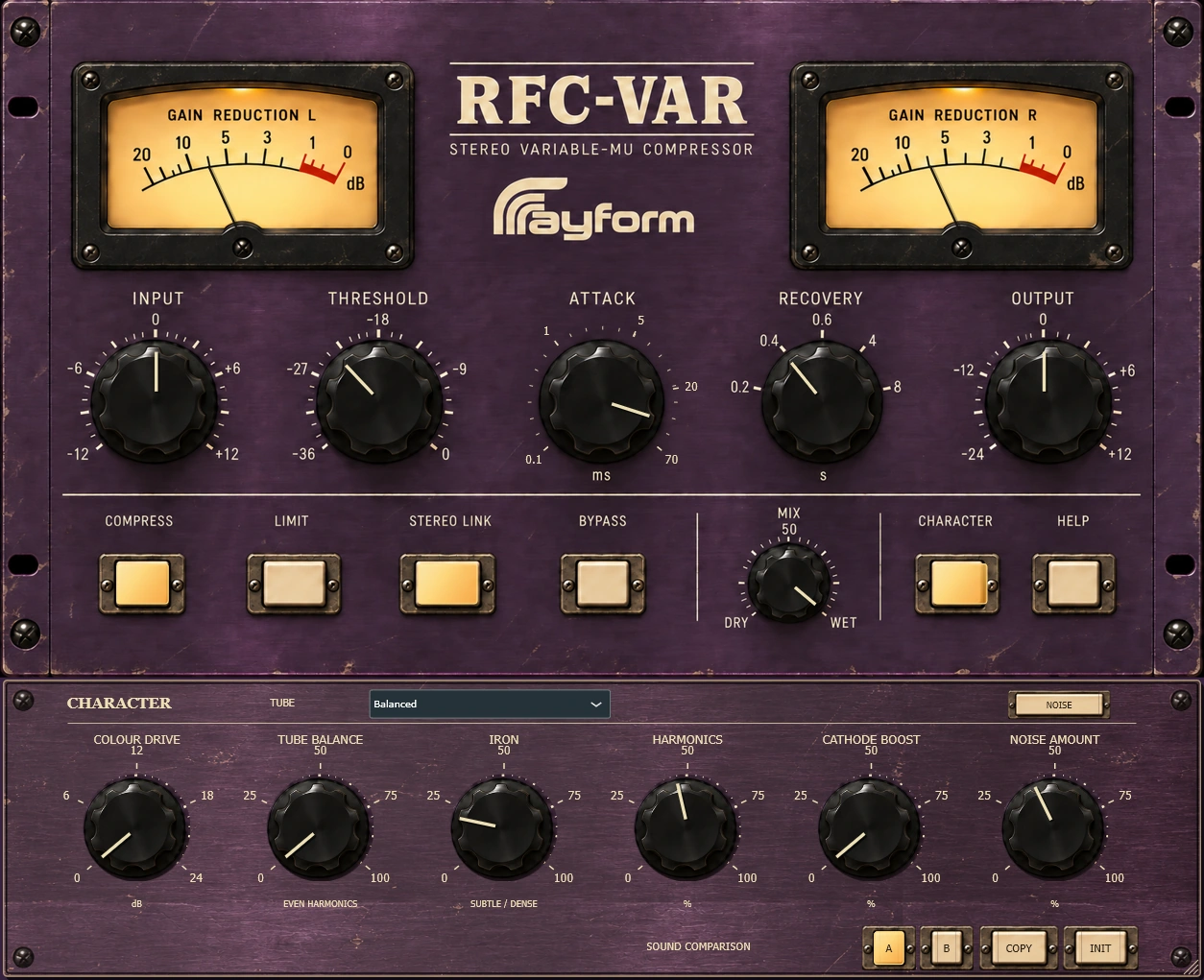
Control dynamics with stereo vari-mu compression. Rounded, Balanced, and Driven tube characters offer different starting points for harmonic color.
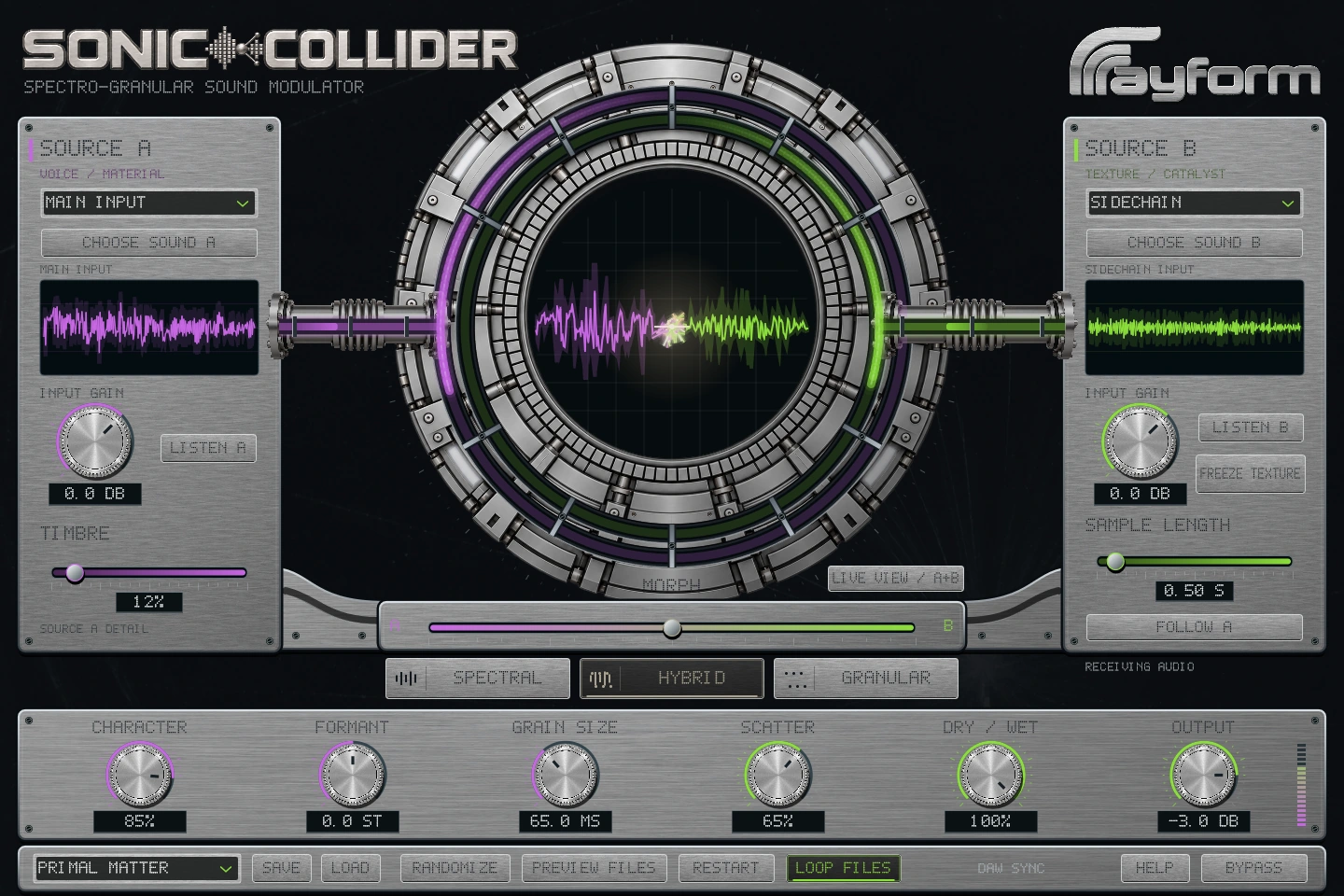
Combine two sounds with spectral and granular processing. Morph between sources, freeze a texture, and reshape it with grain and timbre controls.