Choose Peak or RMS detection
Use Peak for adjustable attack and release. Use RMS for automatic timing and a smoother response.
 Find Your Frequency.
VCA-STYLE COMPRESSOR + GATE
A VCA-style compressor and gate with Peak or RMS detection, internal or external sidechain, and adjustable detector filters. Shape transients, control a bus, and add harmonic character with VCA Drive.
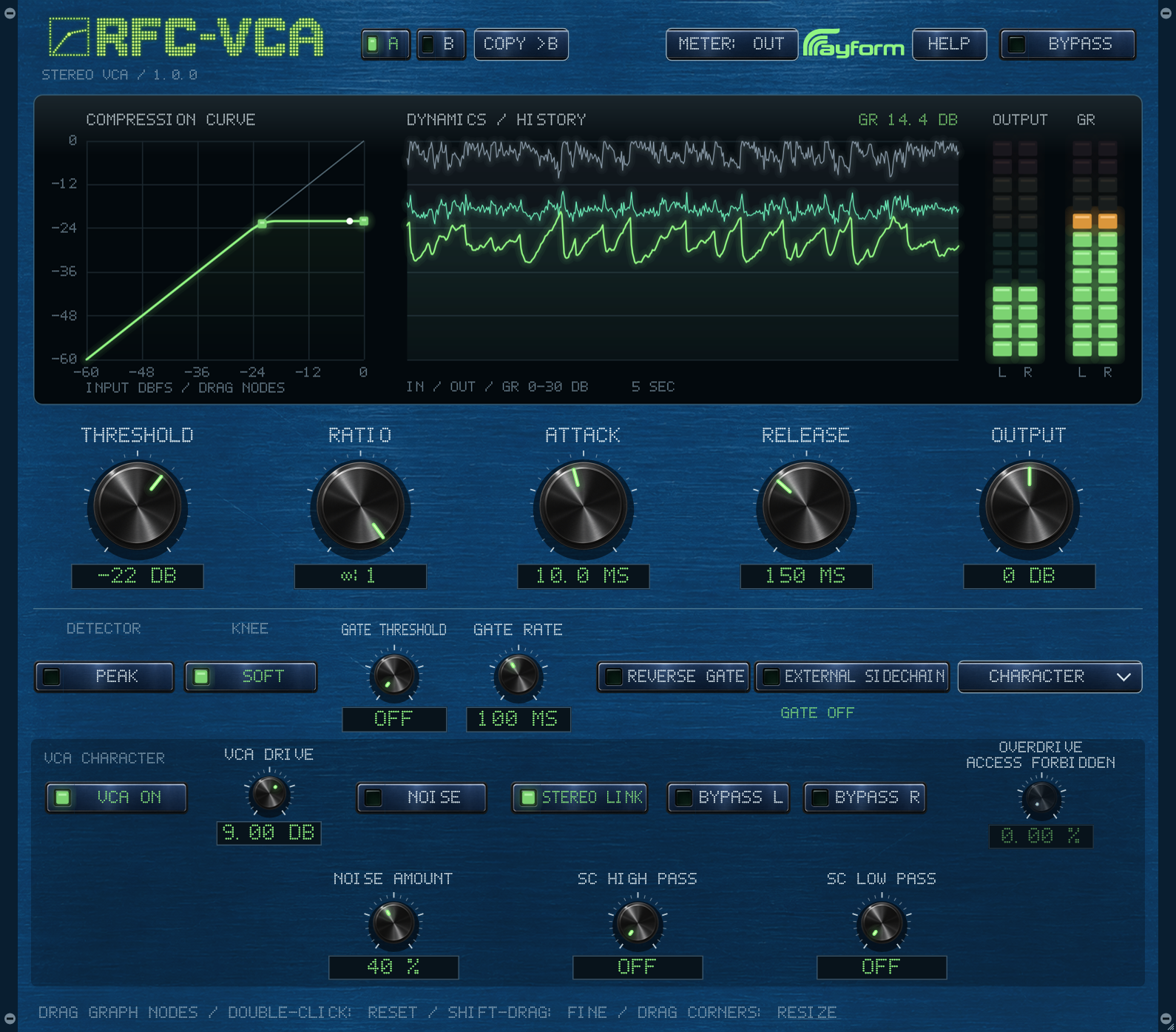
Use Peak for adjustable attack and release. Use RMS for automatic timing and a smoother response.
Route another track to the external sidechain to trigger compression. The gate uses the same selected key source.
VCA Drive adds harmonics without changing the detector threshold. Use Output to match levels when comparing settings.
Adjust Threshold and Rate. Reverse changes the gate direction. The gate remains active at a compressor ratio of 1:1.
Open Character to locate OVERDRIVE ACCESS FORBIDDEN. In Help, type UNLOCK OVERDRIVE and press Enter to enable saturation after compression. Adjust overdrive and match levels with Output.
Use SC High Pass and SC Low Pass to filter the compression and gate detector signal. Both filters apply to the selected internal or external key source.
Adjust Noise Amount to set the level of circuit-style noise. Use Output to match levels during comparisons.
Route a kick to the sidechain, select External, and adjust compression timing to fit the rhythm.
Choose a softer knee and moderate ratio. Lower Threshold to bring the drum levels together.
Use gate Threshold and Rate to control the gaps between hits. Reverse changes how the gate responds to the key signal.
Install and authorize with Rayform Hub.
Setup guide ↗License details ↗Frequently asked questions
Route another track to the sidechain input in your DAW, then choose External in RFC-VCA. The selected key source drives both compression and gating.
Dual Mono uses independent left and right detection with the same visible settings. Stereo Link uses a shared detector level.
Start with a slower Attack to let the beginning of each hit through. Set Release to follow the rhythm and compare at matched output levels.
Use A and B to hold two settings and Copy to duplicate the current setting. Both slots and the interface size save with your project.
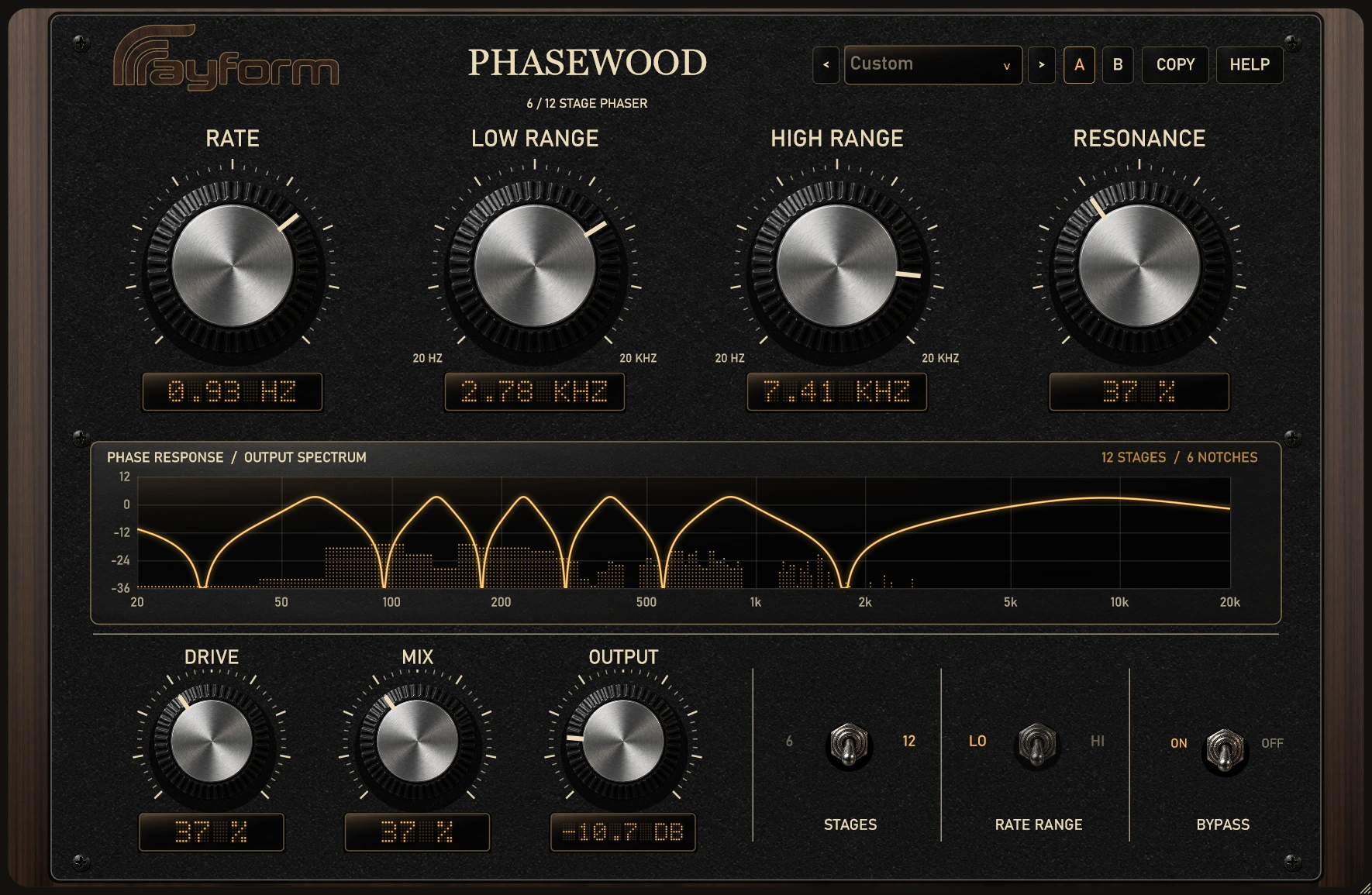
Add stereo movement with six or twelve phaser stages. Set the sweep range, then shape its depth and character with Resonance, Drive, and Mix.
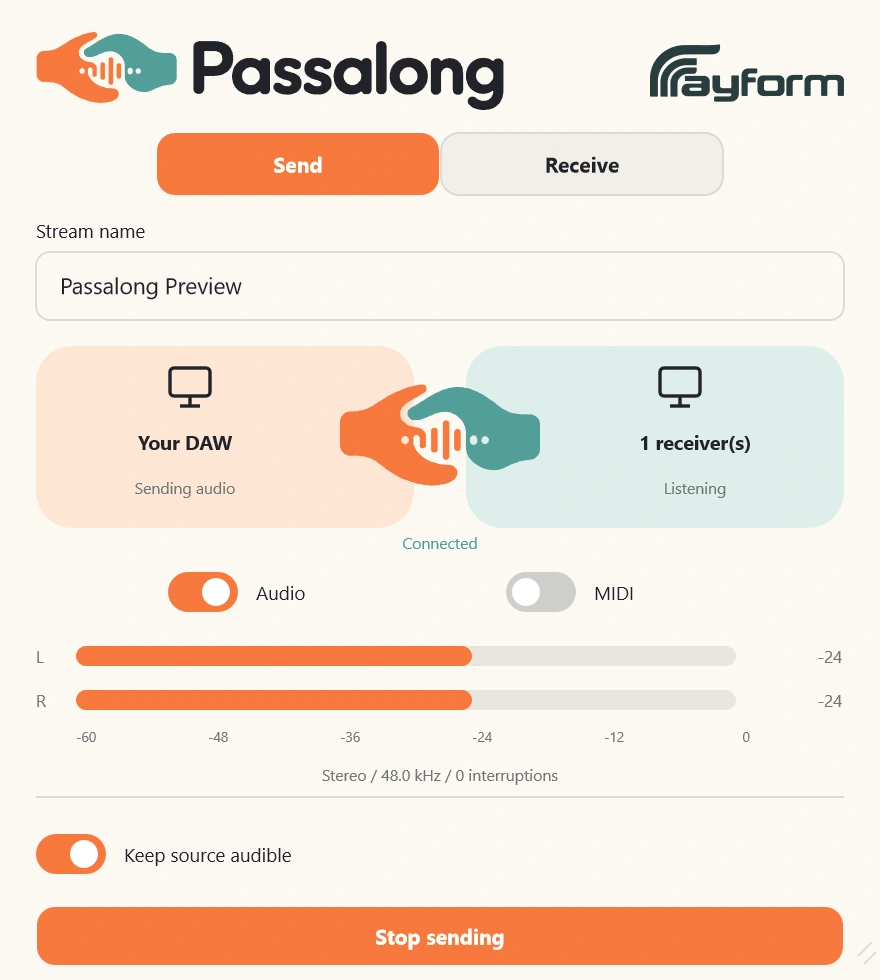
Route audio and MIDI between Windows applications using named streams. Includes standalone Capture and Receive, plus a native OBS receiver.